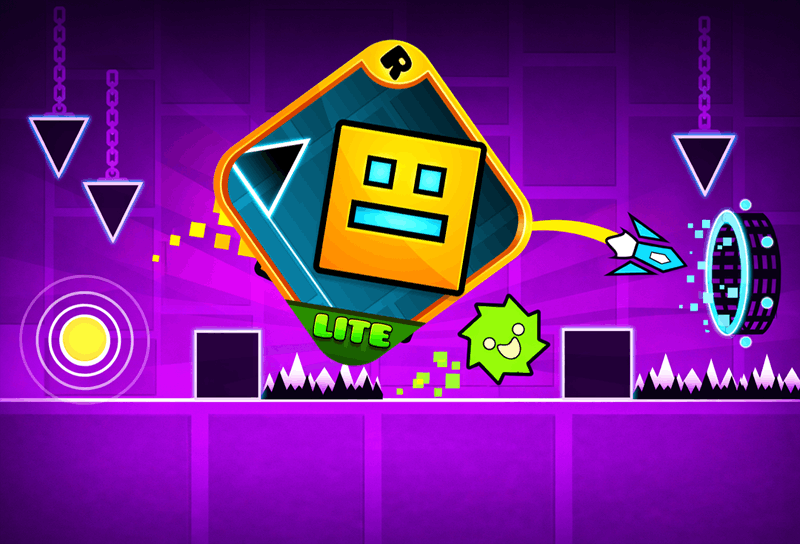
Geometry Dash is a forward-moving rhythm platformer where one input controls the jump and memory turns an impossible sequence into a familiar route.
The cube advances automatically, leaving you responsible for timing. Spikes, blocks, portals, and movement changes form patterns that become readable only after several attempts.
A restart is part of the learning loop. Remember the obstacle immediately before each collision, adjust that single input, and gradually extend the reliable section of the run.
How to play Geometry Dash
- Press Play and wait for the Geometry Dash browser build.
- Use the click, tap, or keyboard input shown by the player.
- Jump over hazards and adapt when a portal changes movement.
- Replay short sections until their timing becomes automatic.
Geometry Dash tips
- Look ahead of the cube instead of directly at it.
- Use the soundtrack as a cue, then confirm with the visuals.
- Relax after a difficult section so excitement does not cause the next miss.
Read Geometry Dash as a sequence of visual cues
The cube already knows how to move forward; your task is to recognize the next cue early enough to act. Shift attention slightly ahead of the character and look for the shape that starts an obstacle pattern: a single spike, a raised block, or a portal. That first shape is the instruction. The obstacles after it are the phrase you learn through repetition.
Music can reinforce the cue, but it should not be the only timing source. Browser audio delay or an unfamiliar build can move the sound away from the exact input moment. Pair the beat with visible spacing. When both agree, the pattern becomes memorable; when they do not, trust the position of the cube and the obstacle.
More Geometry Dash guides
Open a topic for detailed strategies, version notes, and answers.
Turn a difficult Geometry Dash level into short segments
Choose a small landmark and treat reaching it consistently as the current objective. Once the opening requires little conscious effort, move the landmark forward. This approach prevents the final percentage from distracting you from the next input. It also makes improvement visible on days when a complete run is still out of reach.
Classify each miss before restarting. An early jump means the cue was read too soon; a late jump means attention was too close to the cube; a wrong hold length means the input pattern was misunderstood. Geometry Dash rewards specific corrections. Repeating the same vague instruction to “be faster” rarely fixes a timing error.
Geometry Dash editions and browser-build expectations
Geometry Dash Lite, Geometry Dash World, Geometry Dash SubZero, and the paid release are separate names with their own content and progression. The browser player above should not be assumed to include a particular official edition, demon list, vault code, editor, or account feature. Check its own menus to see what this build actually offers.
No Geometry Dash download is supplied by okiaimx.org. Browser play is convenient for a quick timing session, while an official store is the appropriate source for an installed version. Community recreations and Scratch projects can imitate individual mechanics without matching the original game, so identify the source before using edition-specific instructions.
Geometry Dash FAQ
Can I play Geometry Dash in the browser?
Press Play to load the available external browser build. Its content may differ from official Geometry Dash editions and can change when the provider updates it.
Is this Geometry Dash Lite or SubZero?
The page does not claim that the embedded build is an official Lite, SubZero, or World edition. Use the player menus and official stores to distinguish versions.
How do I improve at Geometry Dash?
Look ahead, divide the level into short landmarks, classify each miss, and change one input on the next attempt instead of rushing the whole run.
Does the Geometry Dash browser player need an installation?
No download is needed for the embedded player. Use a verified platform store if you want an installed official edition.
Geometry Dash runs inside an embedded third-party game player. Availability and saved progress may depend on the game provider and your browser settings.